 Woolshed
Your computers
Each computer you sign in on shows up on the others, free, with its spaces and agents, through a relay that can't read your terminals.
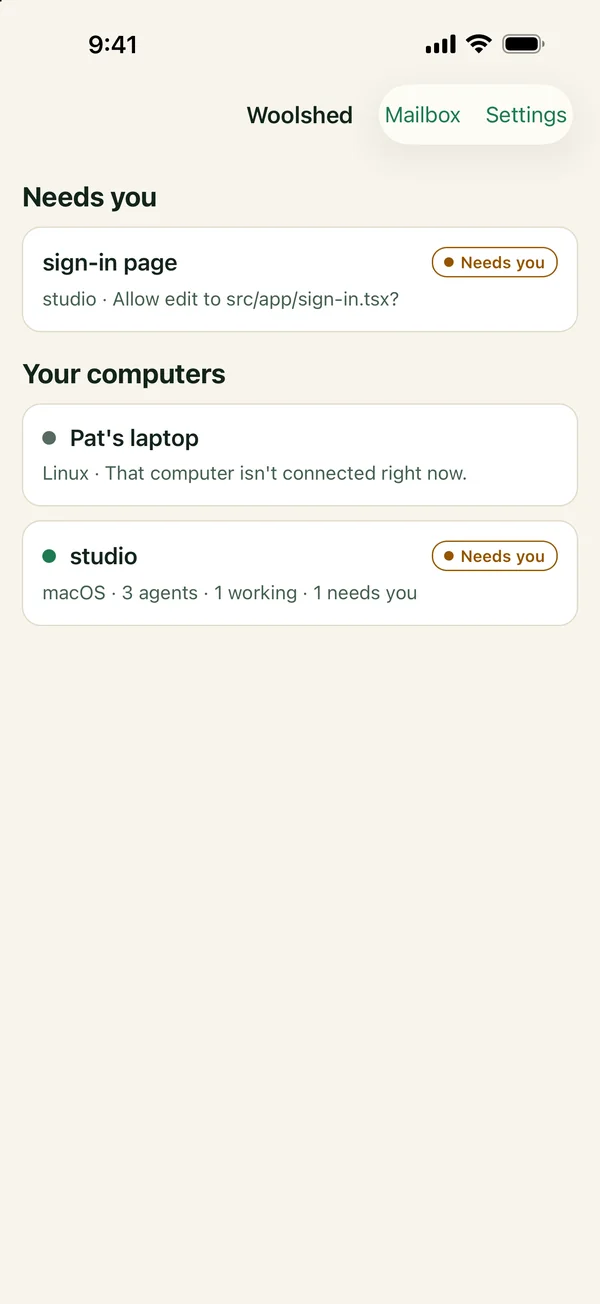
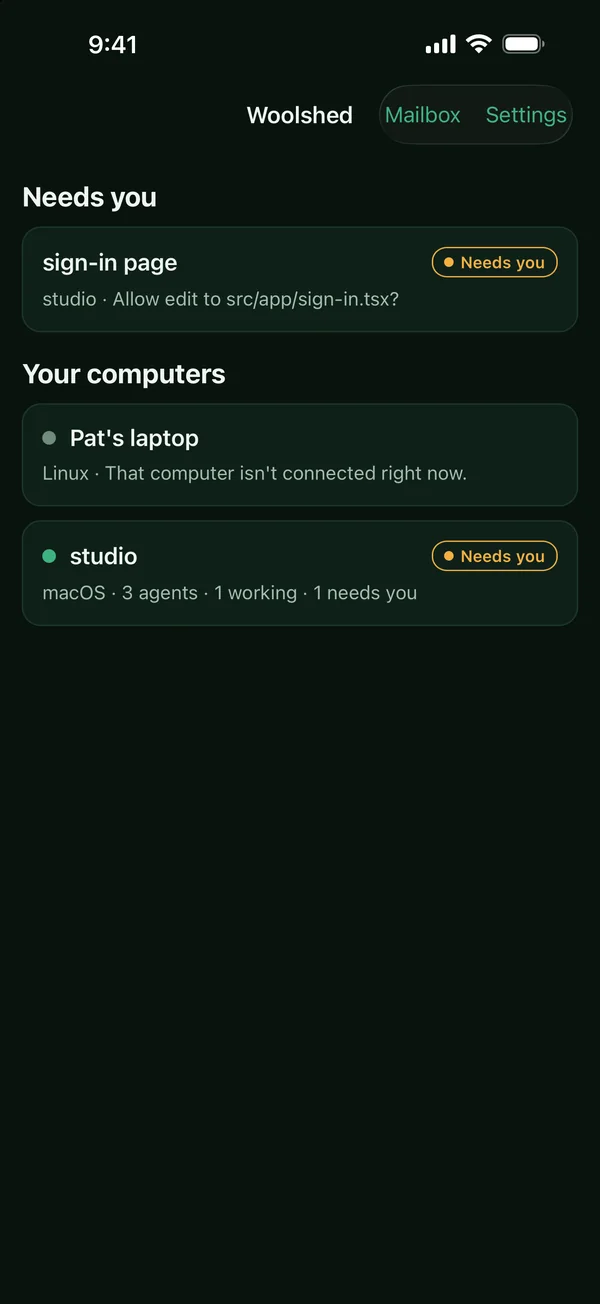
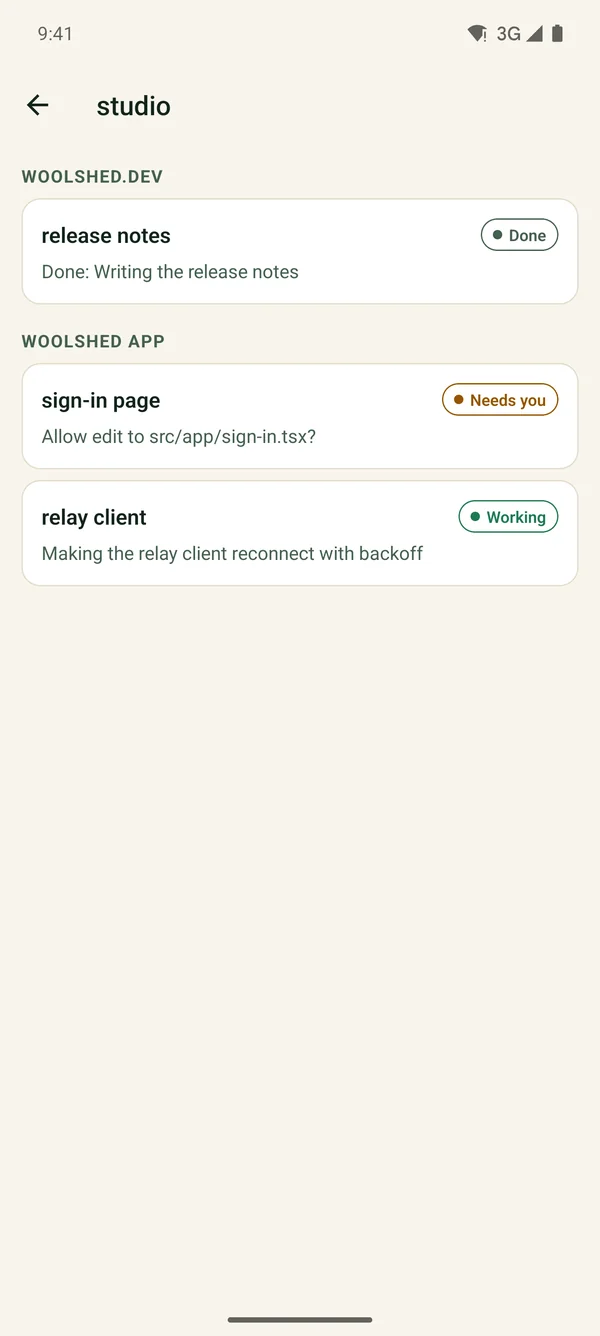
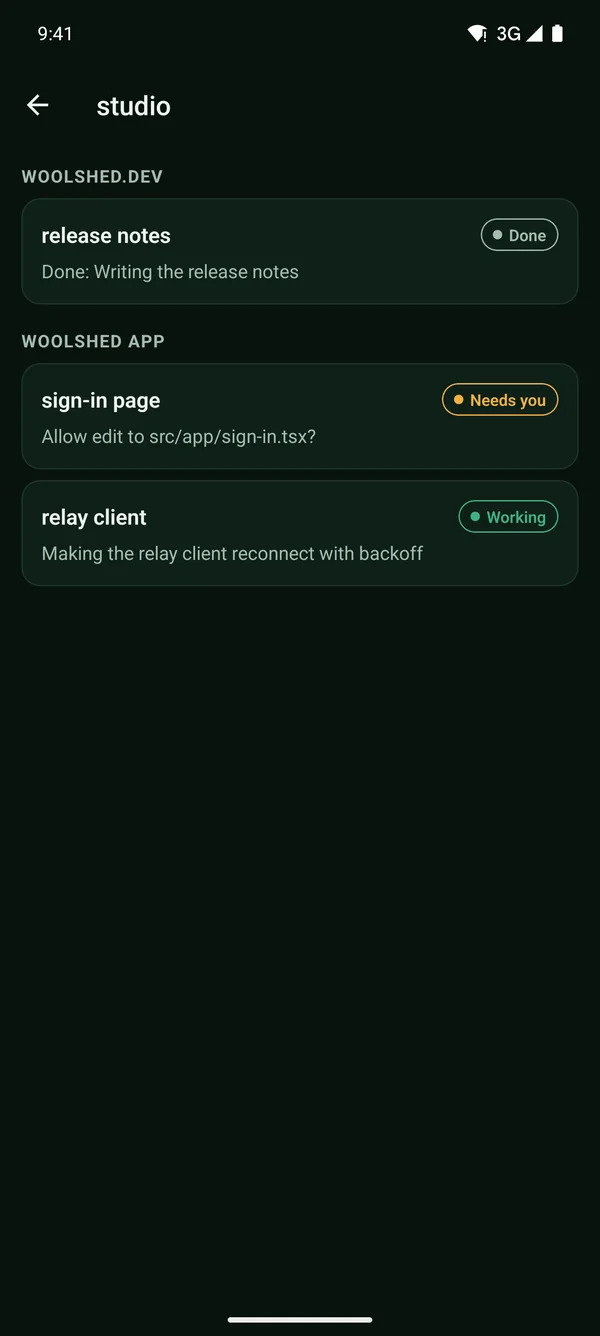
With Woolshed Pro, every computer signed in to the person's Woolshed account is a machine on every other: its spaces and agents show in the Spaces sidebar under its name (a laptop icon), with a count of the agents there that need the person, and its terminals open, stream and take typing like any machine's (studio/t3, hc run --on studio ..., space.new {machine: "studio"}). Nothing is set up on the network: each computer's Woolshed Core keeps one connection out to woolshed.dev's relay, and two cores talk through it sealed end to end (the relay passes bytes it can't read). On the same Tailscale tailnet they connect straight, without the relay.
- Joining. A computer that signs in asks to join; another of the person's computers shows a card in the sidebar with its name and a code, and the new one shows the same code. Approve only when the codes match (
computers.approve {request}, orwoolshed computers approve <code>). The first computer on an account joins by itself. Which computers may talk is a list each computer signs for the next, kept by Woolshed Core (it fetches changes itself, with the window closed too); woolshed.dev can't add one. - Trust it. Once approved, the new computer shows "<name> approved this computer" with a second code, which the approving computer shows too (
addedin computers/status.json). The same card says "Your computers were started again from <name>" when the list was started again from a computer this one never had. Trust it (computers.trust {by},woolshed computers trust) only when the person says both screens show that code; otherwise Not me (computers.distrust {by},woolshed computers not-me), which is final for that list. - Removing one (lost, sold): right-click its name in the sidebar, Settings > Account, or the account page on woolshed.dev. It is refused at once, everywhere, and the vault gets a new key.
- These machines carry
linkinhc machine ls; Woolshed adds and removes them as the list changes, so don'thc machine addorrmthem yourself. They don't sync as offers. - The vault (Settings > Machines > Vault): the person's SSH hosts on every one of their computers, sealed so only those computers can read them. Add from
~/.ssh/config(vault.import_ssh_config) orvault.put {entry: {label, host, port?, user?, jump?, key_file?}}; Open starts a space runningsshthere; Add as machine runshc machine add --via 'ssh ...'. Keys stay on their computer unless the person turns on Keep key for a host (keep_key: true): then the key travels sealed and is written tossh/<id>in this folder (0600) only when used. Never put a key in an entry's other fields. computers/status.jsonis what the sidebar and Settings show (state, requests and their codes, computers, the vault's hosts without keys). Don't edit it.woolshed computersprints it;woolshed computers [refresh | approve <code> | deny <code> | trust | not-me | remove <name>].hc link statusshows this computer's place on the list and its connection to the relay.- Your own relay. The relay is standard-library Python 3 the person can run on their own server (
relay.pyanded25519.pyfromhttps://woolshed.dev/releases/relay/, guideSELF-HOST.mdbeside them): setcomputers.relayin settings.json to itswss://address on every computer, and list each computer's id (hc link status --json,id) in the relay's computers file. Streams stay sealed end to end either way; the list of computers (who may talk) still lives with the account, so Pro is still needed. - Without Pro, the sidebar shows one row offering it, and nothing connects: signed out, on Free or turned off, the app asks woolshed.dev nothing about computers. The status file's
erroris only set while this computer joins, waits for approval or is on the list.
Your agents read these same words: Woolshed writes this guide to ~/.config/woolshed/AGENTS.md on every start. In it, “you” is the agent and “the person” is you.