 Woolshed
 on your phone
The free phone app shows every agent on your computers and lets you answer, type into a terminal and use the Mailbox. Get it from the App Store or Google Play.
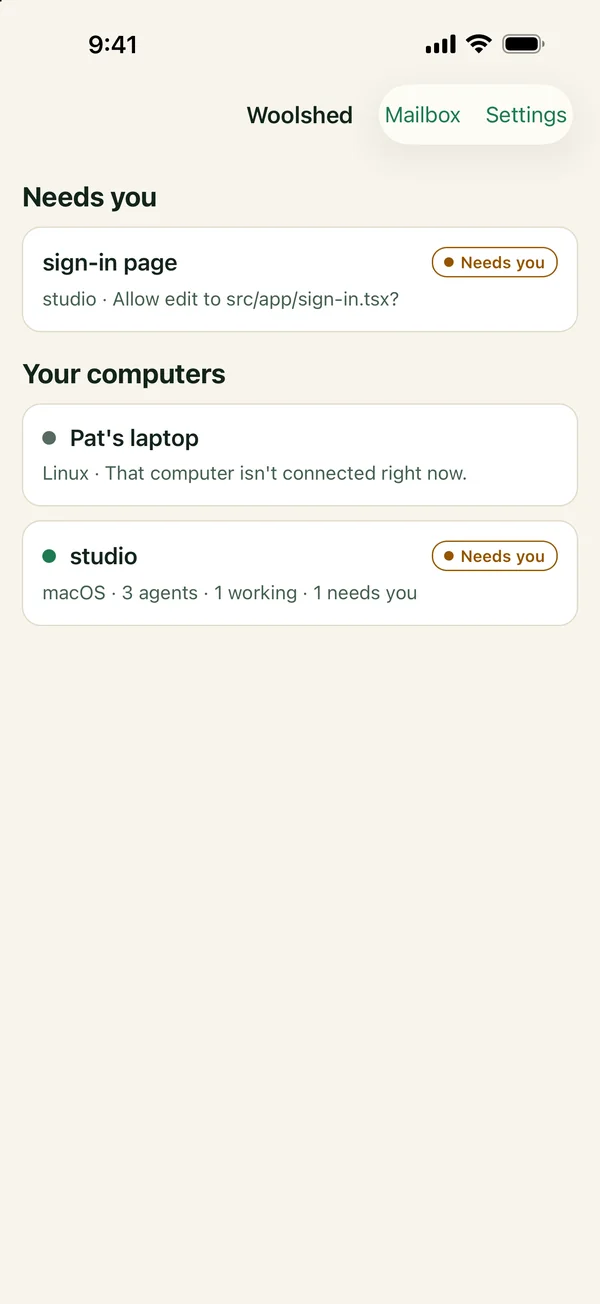
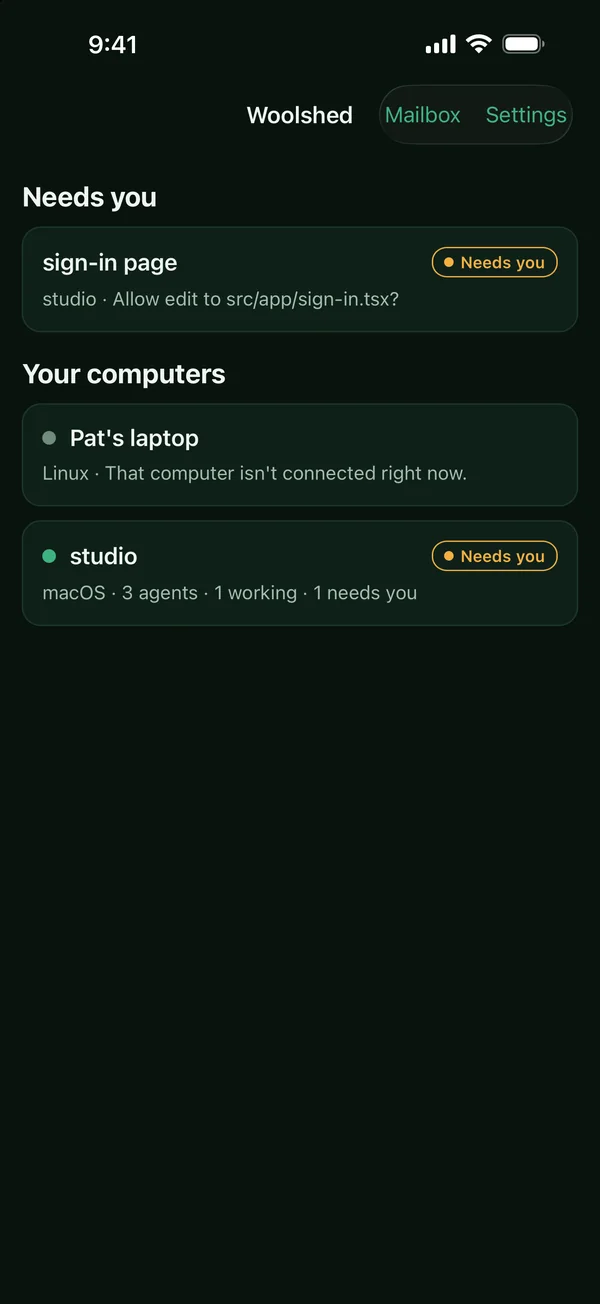
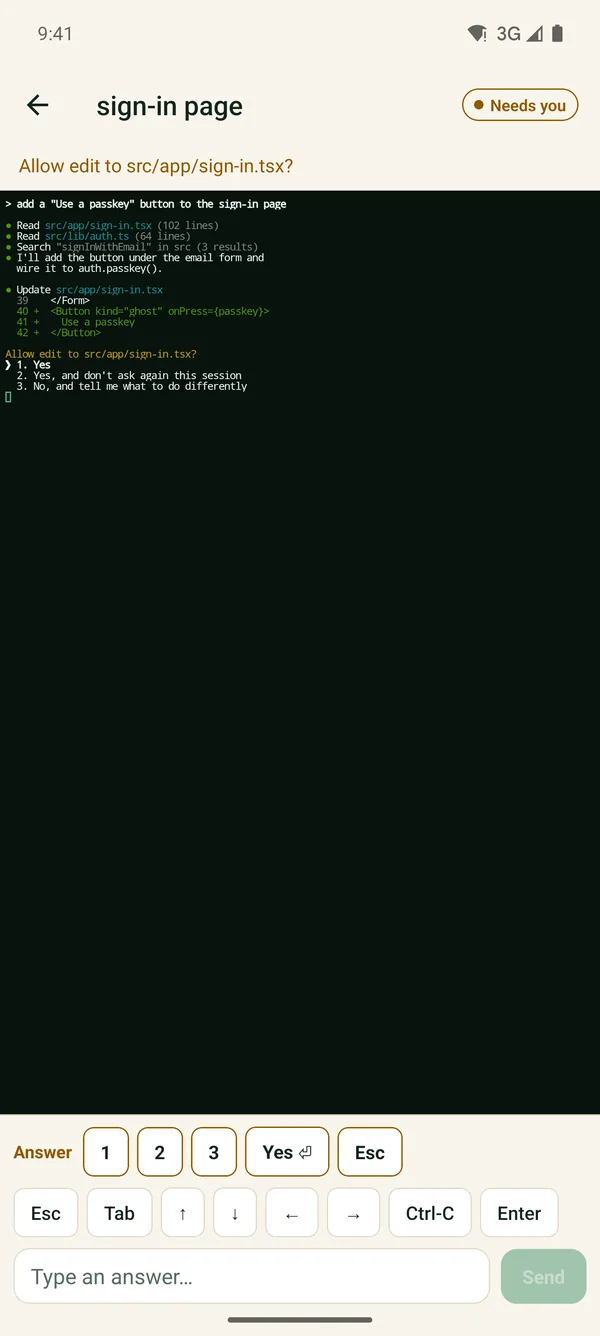
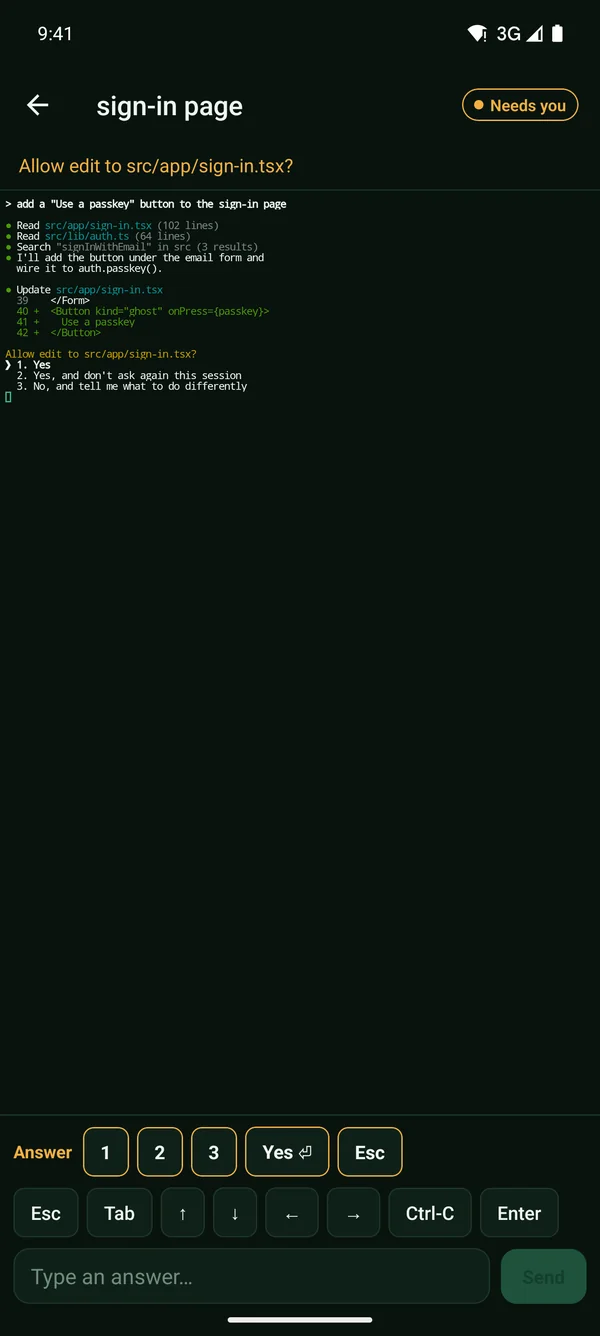
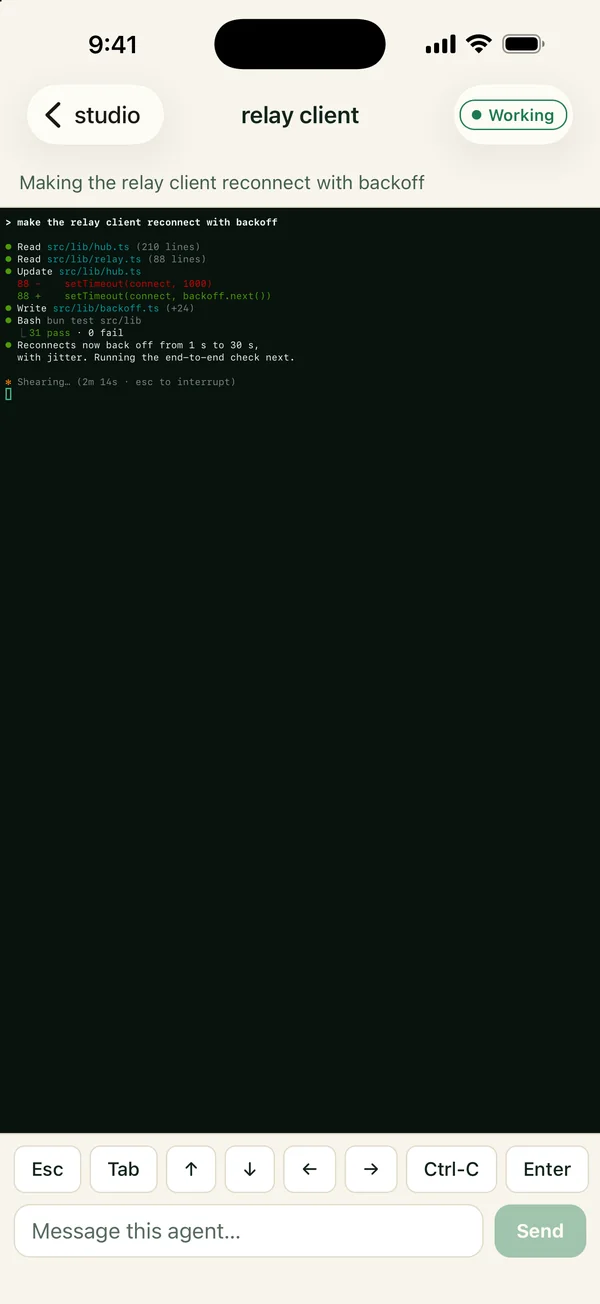
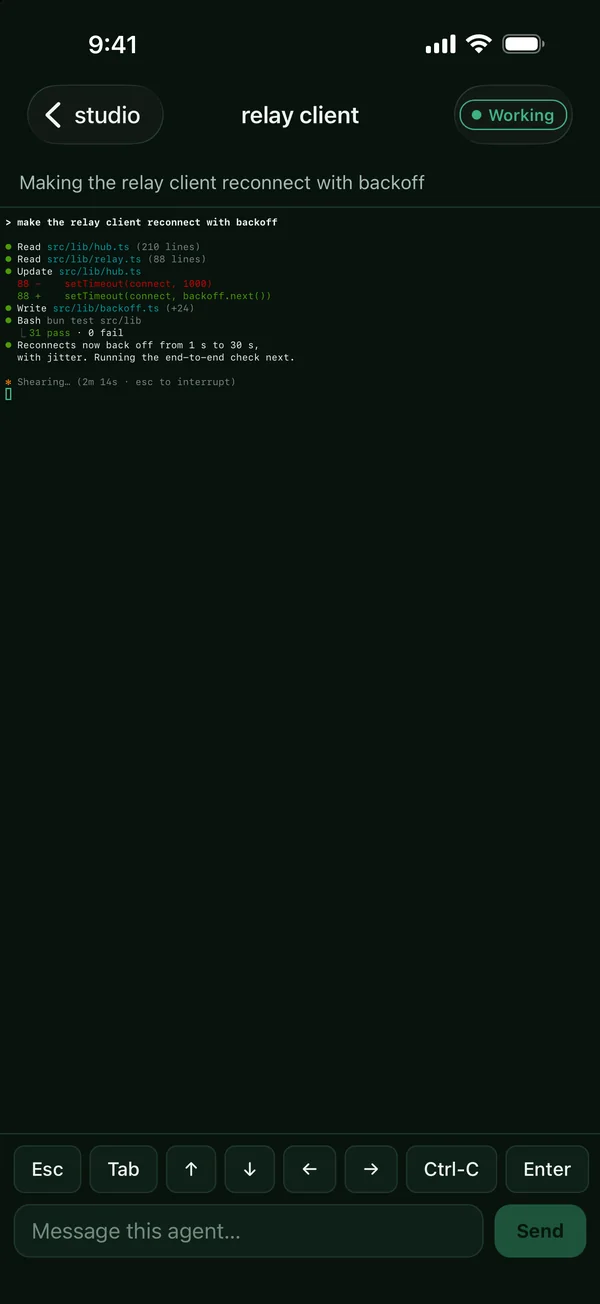
- Phones. The Woolshed app for iPhone and Android joins the same list as a phone (
platformiosorandroid). Link one from Link your phone in the sidebar's foot (shown once this computer is in Your computers) or Settings > Account > Link your phone (computers.link_phone): the phone scans the QR code, signs in to the account and asks to join, and that sheet asks the person before linking it. On a phone the person sees their computers' spaces and agents, opens, reads and types into a terminal, answers prompts and uses the Mailbox, through the same sealed relay. A phone is never a machine, never approves a computer and never gets the vault key; at most 5 per account, apart from the 10 computers.computers/status.jsonlists them underphones; remove a lost one like a computer (computers.remove {id}). The QR code is a sign-in: never copy, photograph or send it for the person.
Your agents read these same words: Woolshed writes this guide to ~/.config/woolshed/AGENTS.md on every start. In it, “you” is the agent and “the person” is you.