 Woolshed
 for phones · Out now
Your agents, in your pocket.
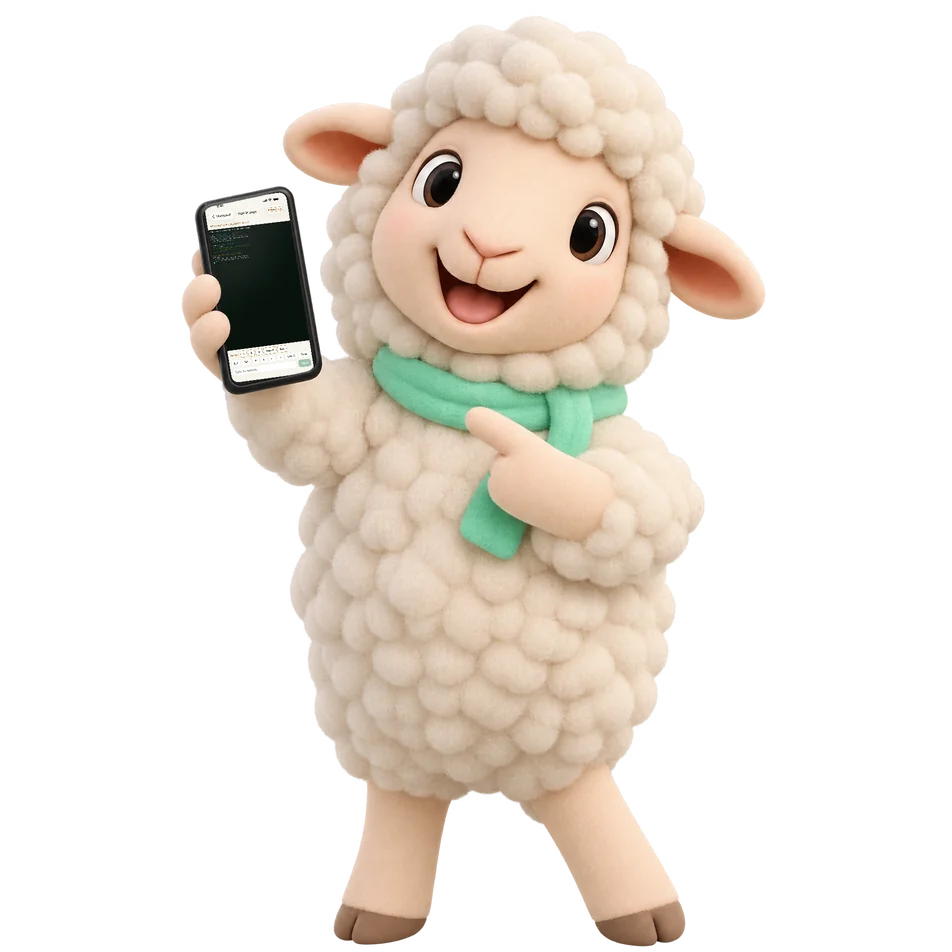
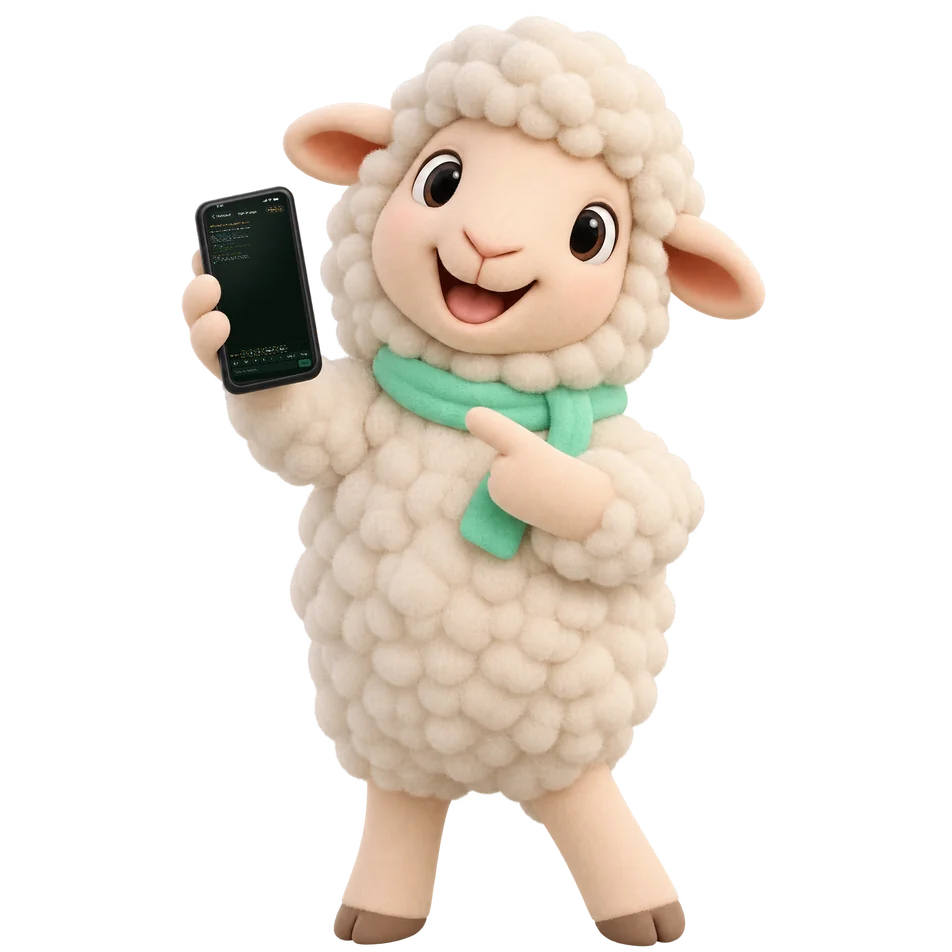
See every agent on every computer, and answer the one that needs you, from your iPhone or Android phone. Your terminals keep running on your computers; your phone shows you where they’re at.

Free, all of it: the app, Your computers and the relay that links them.
-
01 · iPhone
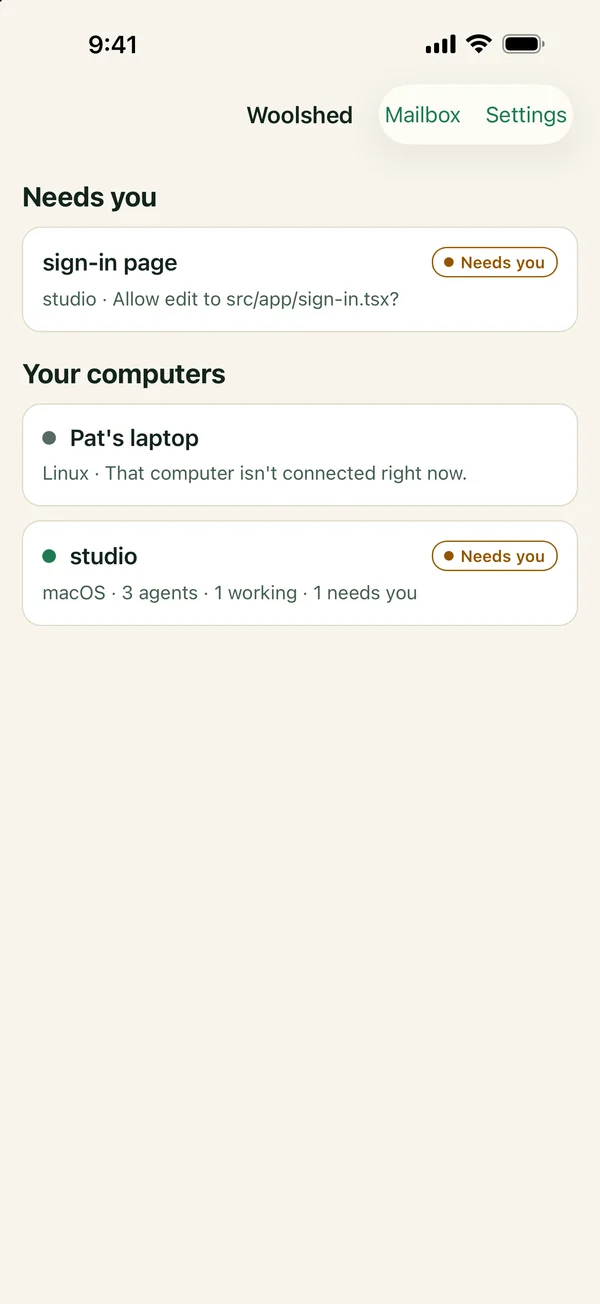
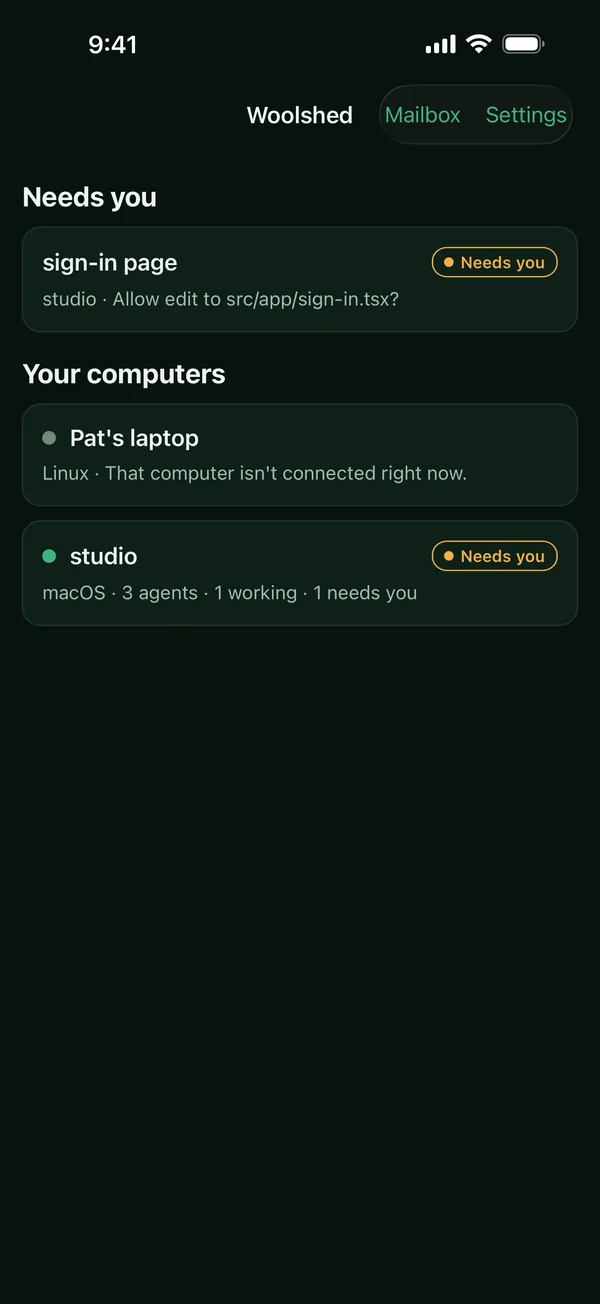
Know who needs you
Every agent on every computer, as working, blocked, done or idle. The ones waiting on you are at the top, with what they’re asking.
-
02 · Android
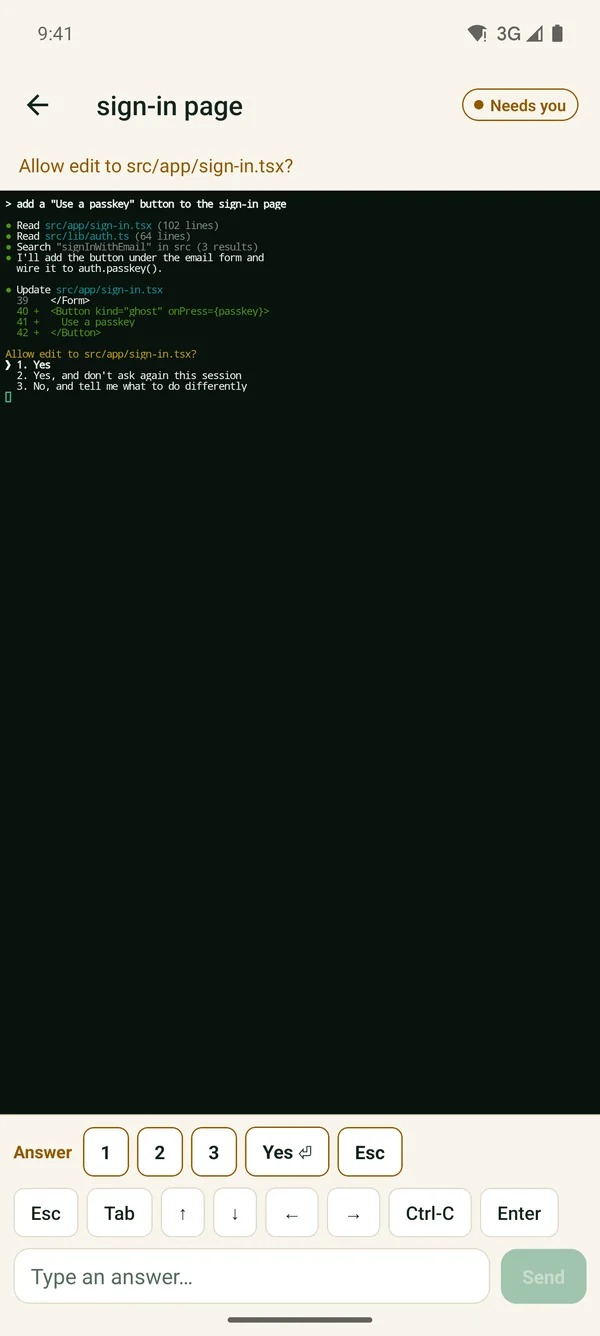
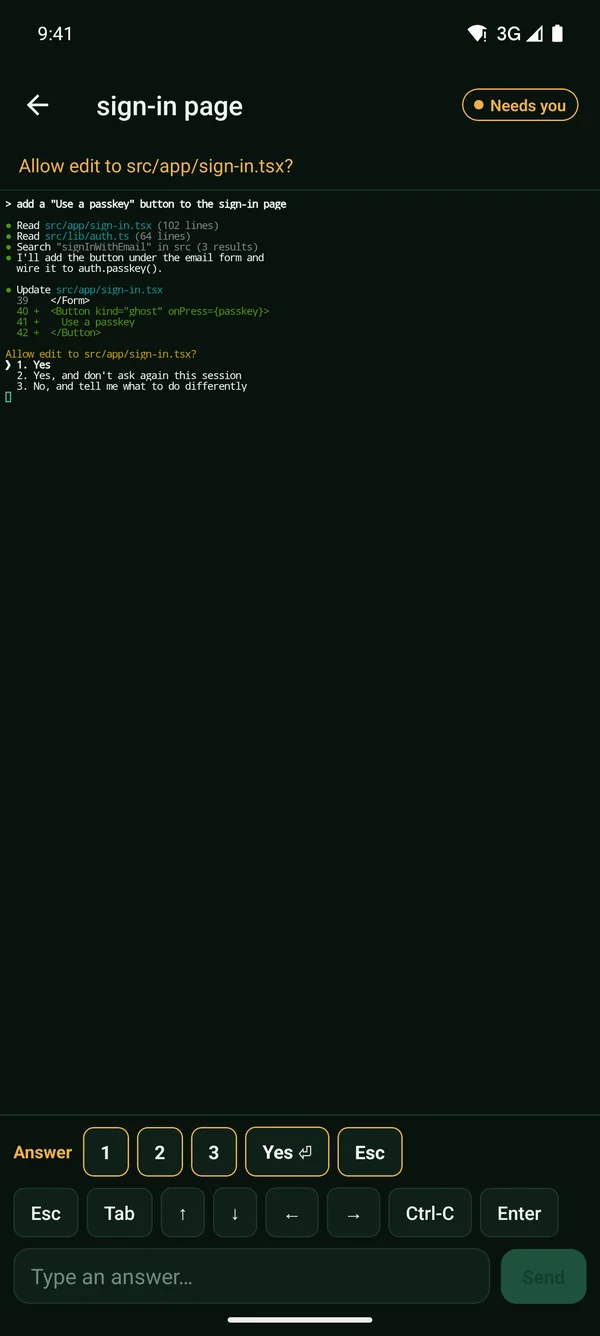
Answer in one tap
Open the agent that asked. Read where it got to, then tap 1, 2, 3 or Yes, or type a reply. It carries on at your desk.
-
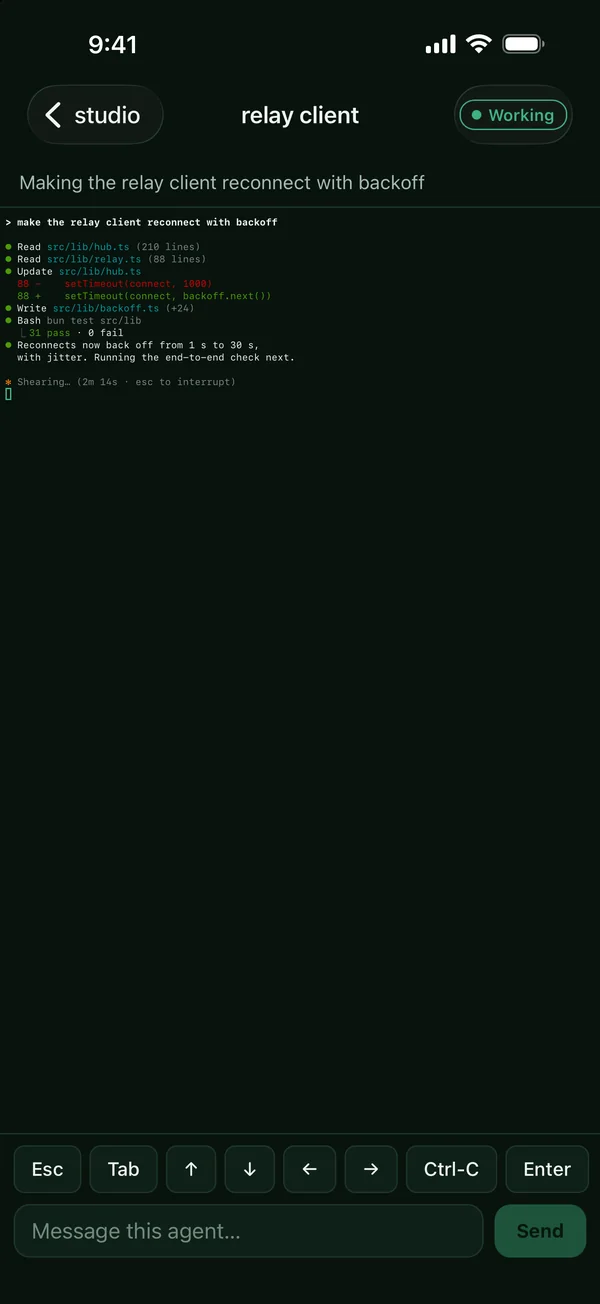
03 · iPhone
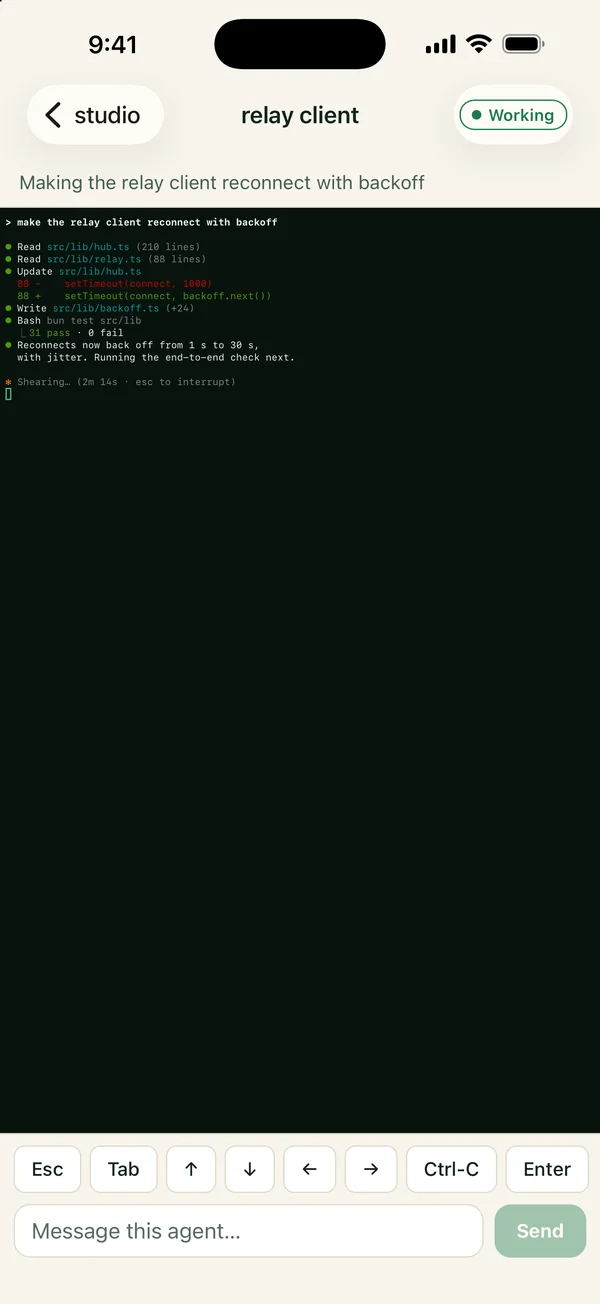
Every terminal, live
Watch an agent work as it works: the real terminal from your computer, with Esc, Tab, arrows and Ctrl-C when you need them.
-
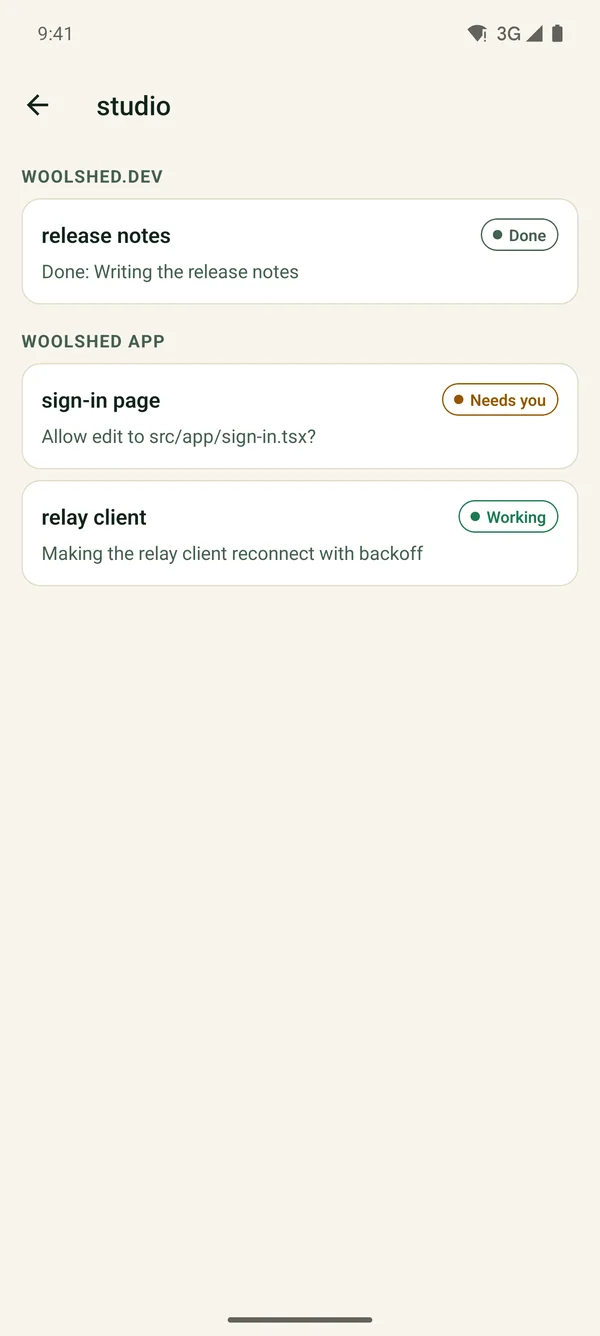
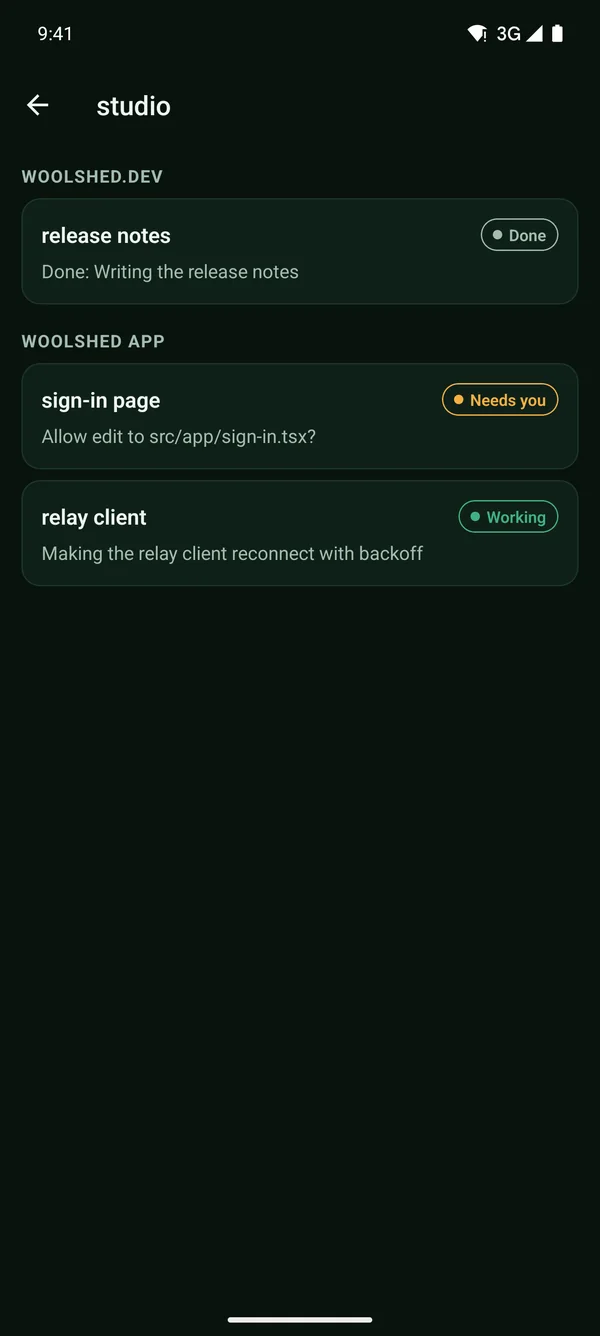
04 · Android
Every space, every agent
Each computer’s agents, grouped the way you laid them out in Woolshed: one space per project.
-
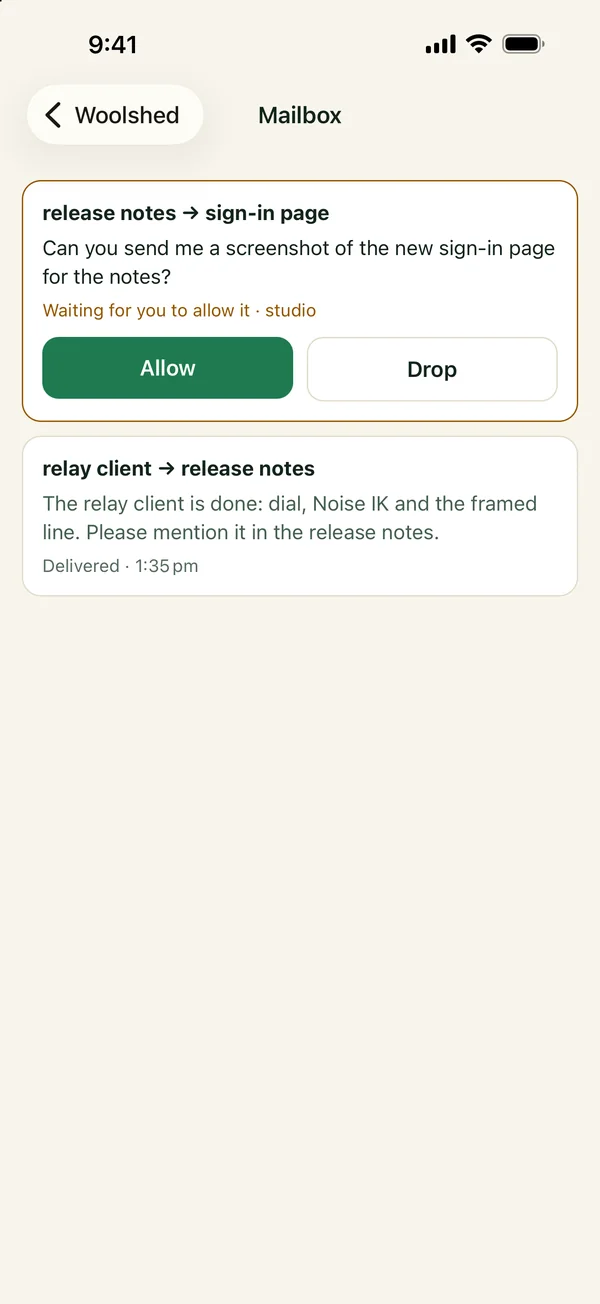
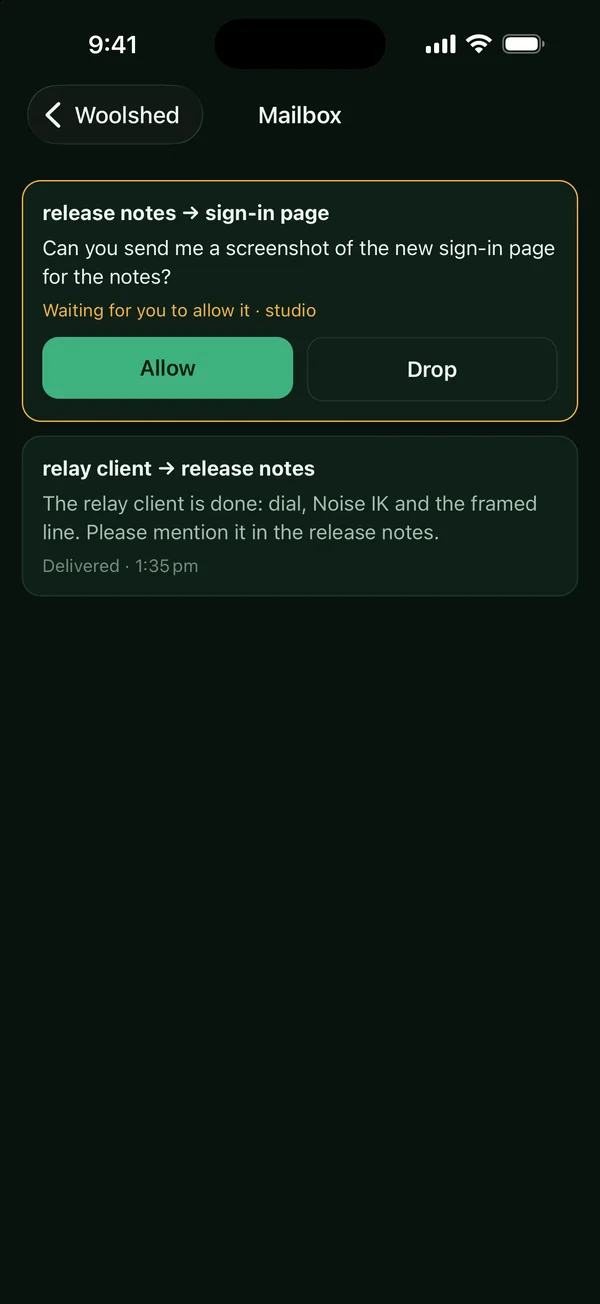
05 · iPhone
Your agents’ Mailbox
When agents message each other, the Mailbox shows who’s talking. Allow a new sender, drop it, or answer for them.
-
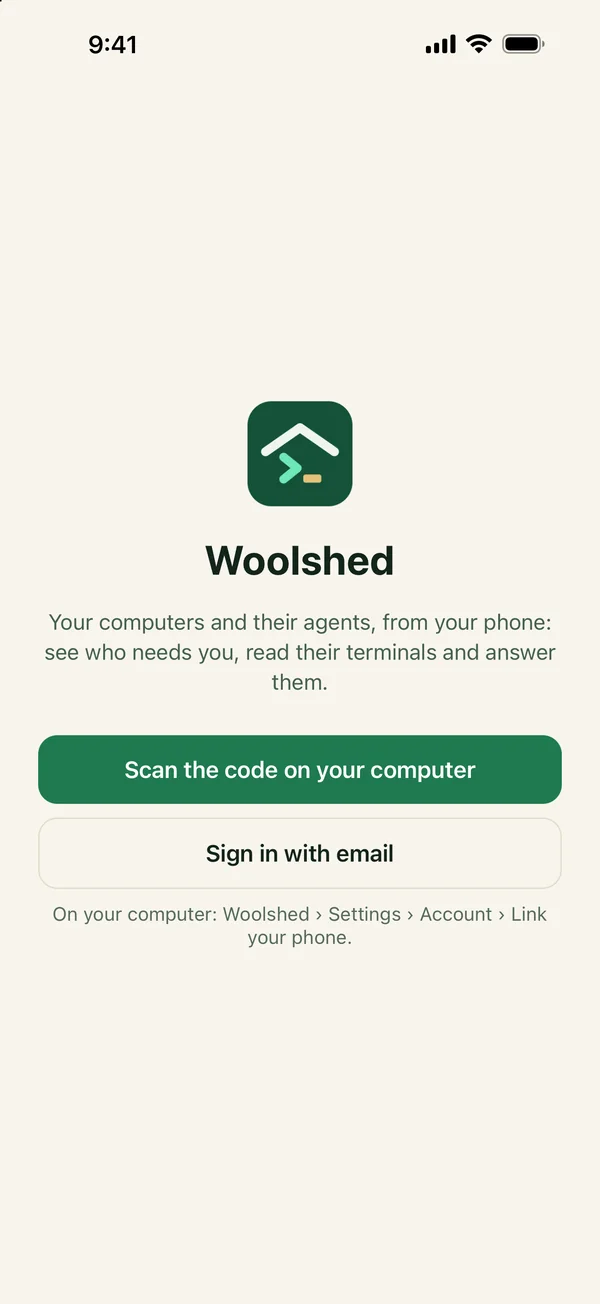
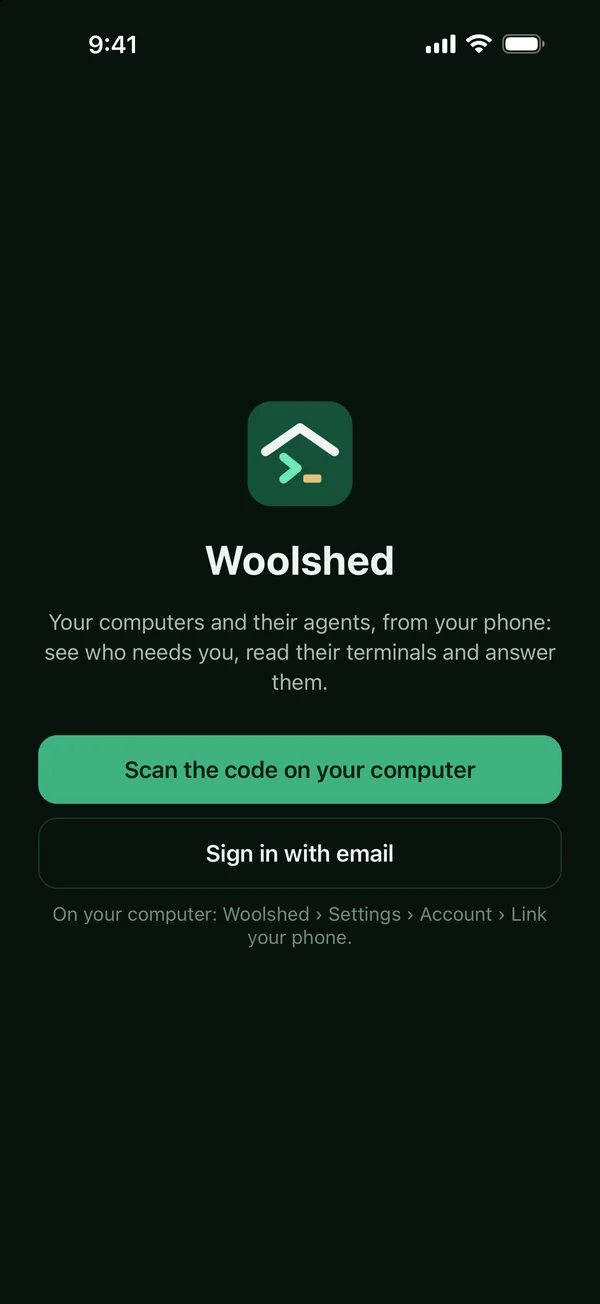
06 · iPhone
Link in one scan
On your computer, choose Link your phone and scan the code. Or sign in with your email.
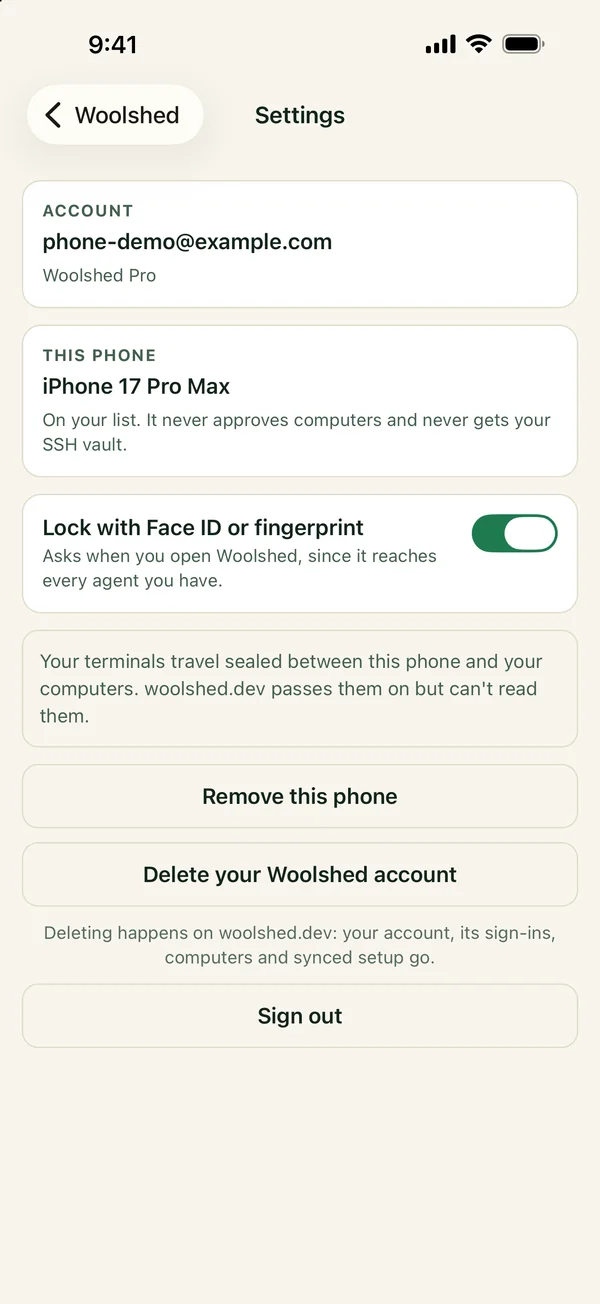
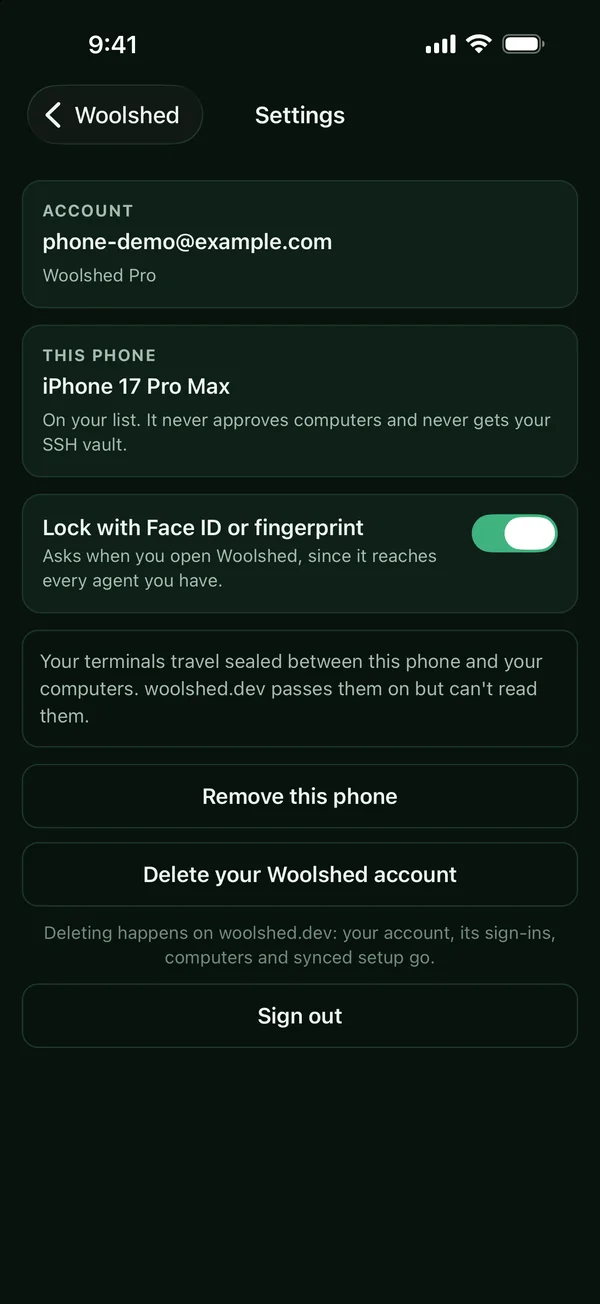
Sealed and locked
Your terminals, not ours.
- Sealed end to end. Your phone reaches your computers through woolshed.dev’s relay, encrypted between the phone and the computer. The relay passes bytes along; it can’t read your terminals.
- Locked to you. Face ID or your fingerprint opens the app, and the phone’s keys stay on the phone.
- Your computers decide. A phone joins only when one of your computers approves it, and you can remove it any time.
- Nothing else leaves. No analytics, crash reports or ads. The camera reads the QR code on the phone; no picture leaves it.
What you need
Free in the stores. Free to link.
The phone app is free, and so is Your computers, which is how it reaches the computers your agents run on.
- Woolshed on a computer.Mac, Linux or Windows. Download it, free.
- A free Woolshed account.Your email address and a code, so your phone knows which computers are yours.
- The phone app.Free on the App Store and Google Play. Then choose Link your phone on your computer and scan the code.
Where do I get it?
From the App Store on iPhone and Google Play on Android. It’s free, and so is linking it to your computers: you just need a free Woolshed account.
Do agents run on my phone?
No. Your agents keep running on your computers, in Woolshed Core. The phone shows them and lets you answer and type, so nothing stops when you put it away.
What does it cost?
Nothing. The app, Your computers and the relay that links them are free. You need a free Woolshed account, so your phone knows which computers are yours.
Can Woolshed see my terminals?
No. They travel sealed end to end between your computer and your phone. The relay sees how much data passes and when, never what’s in it.
Apple and the Apple logo are trademarks of Apple Inc., registered in the U.S. and other countries. App Store is a service mark of Apple Inc. Google Play and the Google Play logo are trademarks of Google LLC.